

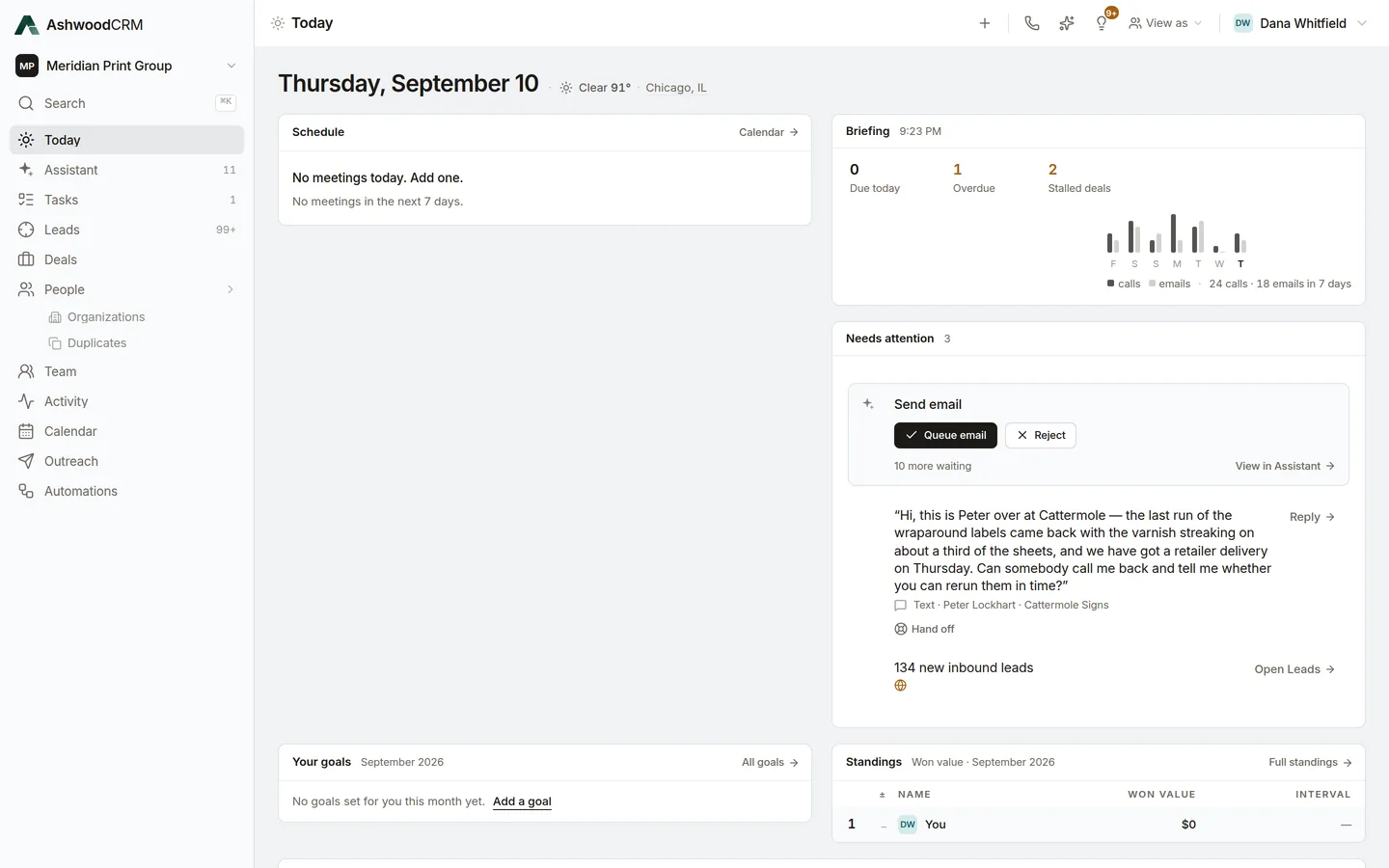
Who it is for
- Mail houses and direct mail companies
For the company that runs the mail, and the people who sell it.
- Commercial printers
For printers whose salespeople sell by phone and email.
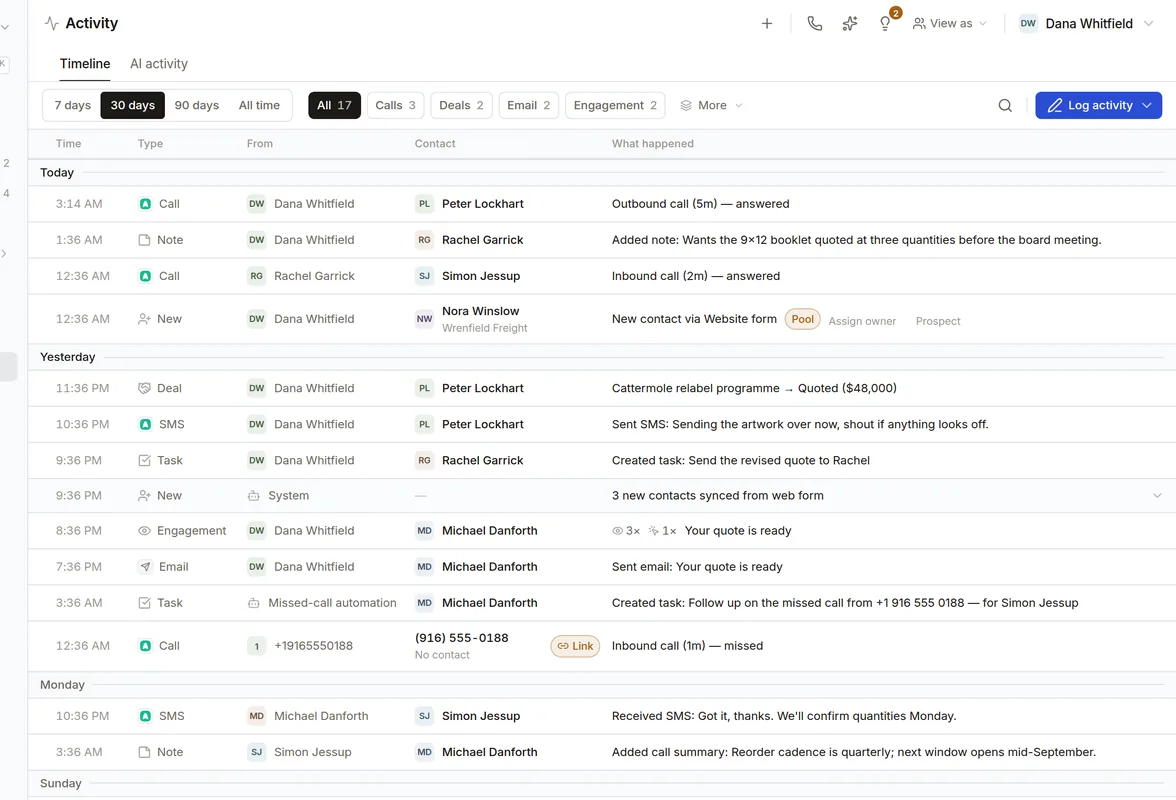
Every conversation on the contact
Connect your phone system and mailbox, and every call, text and email syncs to the right contact.
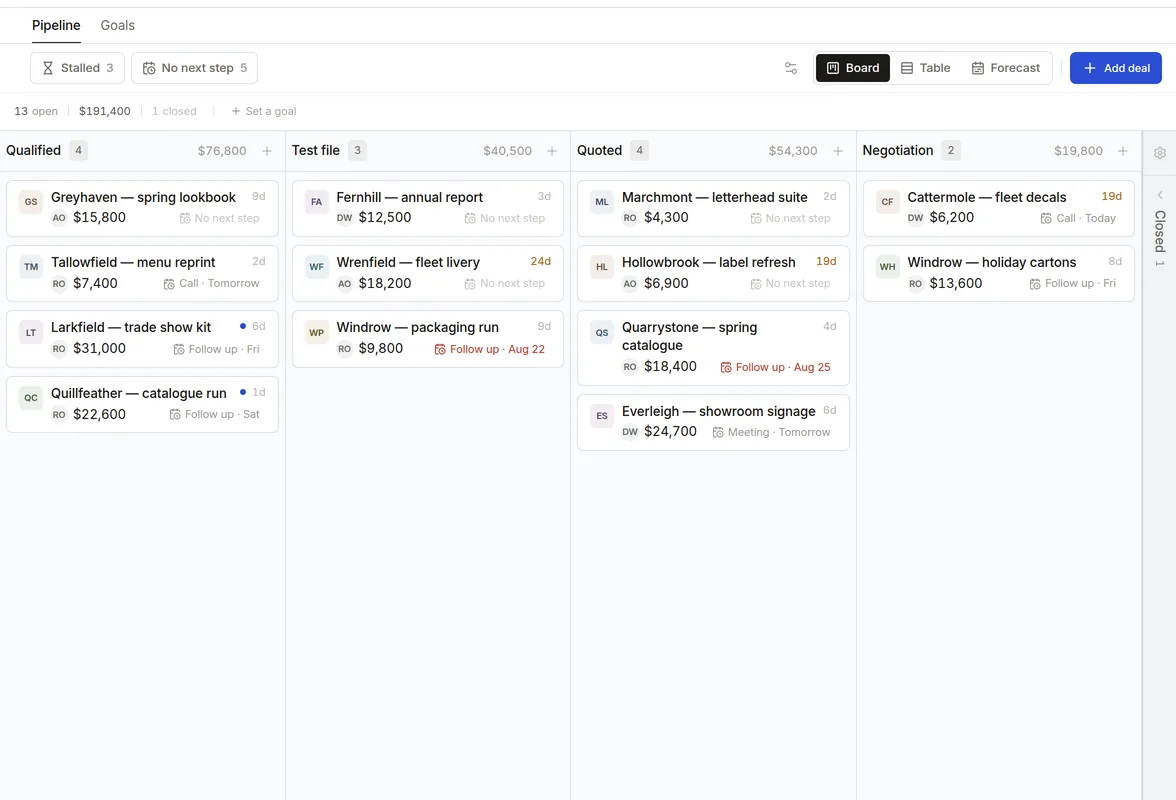
Your pipeline, your stages
Name your own stages, and see each deal's value, age and next step on the board.
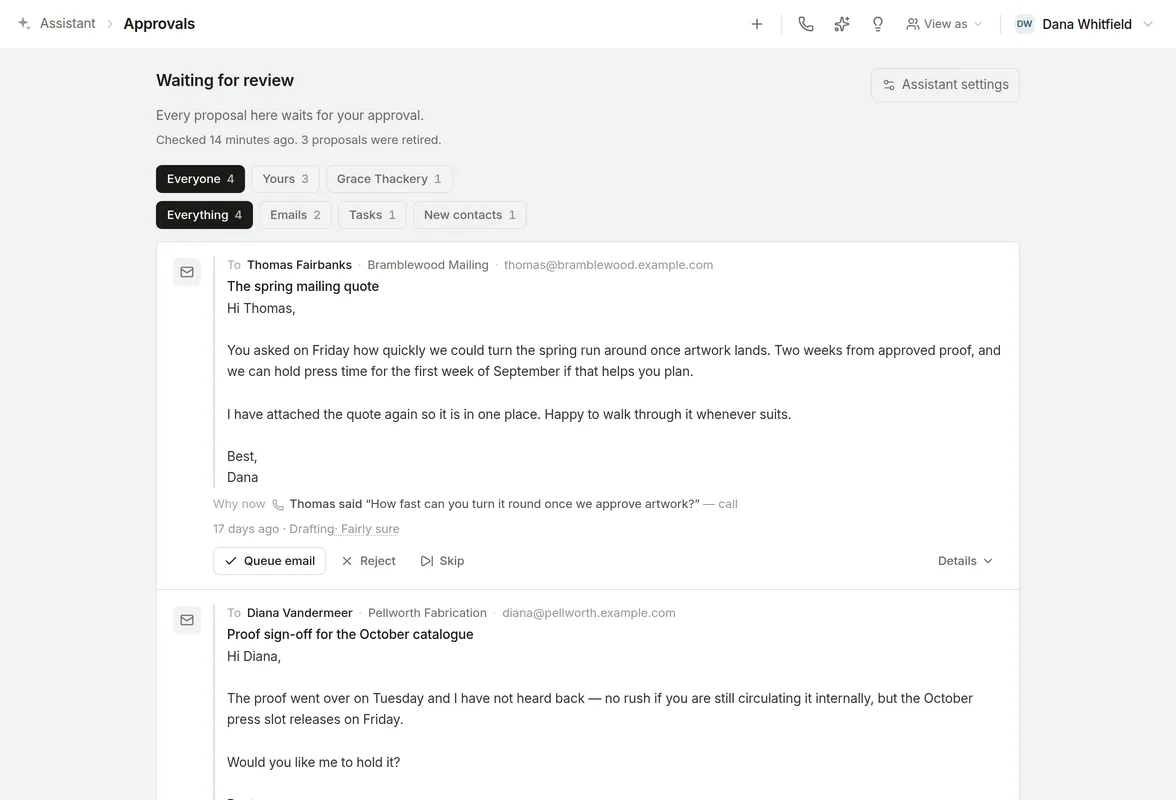
Follow-ups you approve
The assistant drafts the email, text or task, and nothing is sent until you approve it.
Campaigns you can measure
Send an email campaign to a group you choose, and see who opened and replied.
Who sees what
Choose what each person on your team can see, down to a single note.
Works with your tools
- NetSuite
Orders and estimates on each customer's record, read every night. We connect it for you.
Aircall
Calls and texts on the contact they belong to.
Gmail and Google Calendar
Email and meetings on the contact's record, and email sent from your own address.
Moving from HubSpot or a spreadsheet? Import a CSV file.
How AshwoodCRM uses your Google account
When you connect your Google account, we ask for access to Gmail, Google Calendar and Google Meet, and we use it only for the features described here and in our Privacy Policy.
Gmail
We read, send and organize your email, so each email syncs to the right contact, you can send from your own address, and replies stay in one thread. When you ask, we copy the signature you saved into Gmail, and change no other Gmail setting.
Google Calendar
We read, create and update events, so your schedule shows in the app and a meeting you schedule is added to your calendar.
Google Meet
We add a video link to a meeting you book, and read the transcript of a meeting you held when your organization turned transcription on.
Meeting notes
We read the written summary Google Meet created for your meeting, and no other file in your Drive.
We also use your email and meetings to write the drafts, summaries and briefings you ask for.
We never sell your Google data, use it for advertising, or use it to train general AI models, and you can disconnect at any time.
Get AshwoodCRM for your team.
Tell us about your team and we will set up a workspace for you.